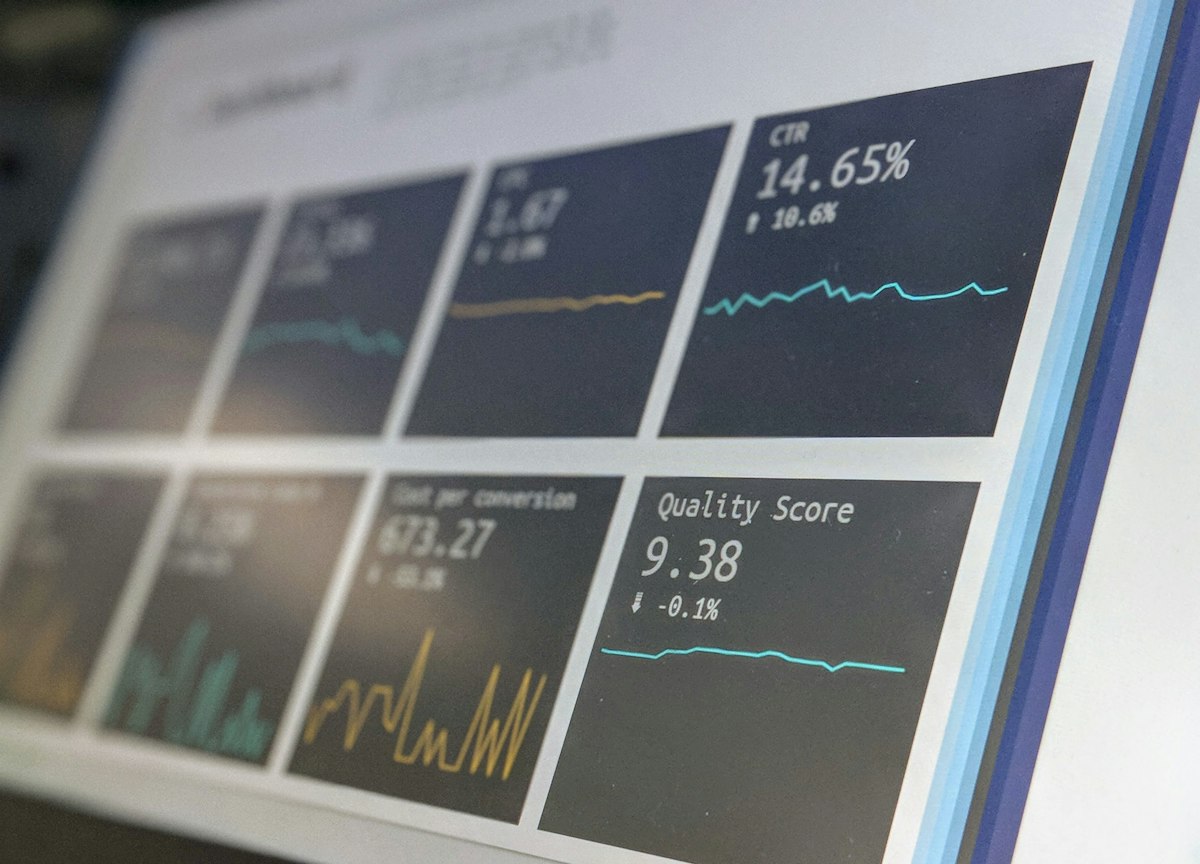
A website heatmap is a visual representation of how visitors interact with a page — using color to show where they click, how far they scroll, and where they move and pause — revealing the behavior behind your numbers that standard analytics can't. Analytics tell you what is happening (this page has a high bounce rate, this step loses people), but they don't tell you why. Heatmaps fill that gap by showing you visually what visitors actually do on a page, exposing the confusion, friction, and missed opportunities that cost you conversions. For anyone serious about improving their website, heatmaps are one of the most illuminating and accessible tools available. This guide explains what heatmaps are, the main types, what they reveal, and how to use them to improve your site.
What Is a Heatmap and Why It Matters
A heatmap is a visual overlay on your web page that uses color — typically warm colors (red, orange) for high activity and cool colors (blue) for low activity — to show how visitors interact with that page. Instead of reading rows of numbers, you see at a glance where attention and action concentrate and where they don't.
Heatmaps matter because they answer the 'why' behind your analytics. Analytics might tell you a landing page converts poorly, but not why; a heatmap can show that visitors never scroll down to your key message, or that they're clicking something that isn't clickable, or that they ignore your call to action. This visual insight into actual behavior turns vague problems into specific, fixable ones. It's the difference between knowing a page underperforms and understanding what's wrong with it.
This makes heatmaps invaluable for conversion optimization and website improvement. They reveal how real visitors experience your page — what they notice, what they miss, where they get stuck — grounding your improvements in evidence rather than assumptions. Combined with analytics (the what) and testing (validating fixes), heatmaps (the why) are a core part of understanding and improving your website. They're also visual and intuitive, making visitor behavior clear even to non-experts.
Analytics Tell You What; Heatmaps Tell You Why
Analytics show that a page underperforms; heatmaps show why — that visitors never scroll to your key message, click something that isn't a link, or ignore your CTA. This visual insight turns vague problems into specific, fixable ones, grounding improvements in real behavior instead of assumptions.
- A heatmap uses color to visualise where visitors click, scroll, and pause
- It answers the 'why' behind your analytics numbers
- It turns vague problems into specific, fixable ones
- Heatmaps ground website improvements in real behavior, not assumptions
The Main Types of Heatmaps
There are several types of heatmaps, each revealing a different aspect of visitor behavior. Understanding the main ones helps you know what each can tell you and use them together for a full picture.
Click maps (or tap maps on mobile) show where visitors click or tap on a page. They reveal what draws action, which buttons and links get used, whether your calls to action get clicked, and — revealingly — whether people click things that aren't actually clickable (a sign of confusion or unmet expectations). Scroll maps show how far down the page visitors scroll, revealing how much of your content is actually seen and where people stop scrolling (the 'fold' where attention drops off). This tells you if important content is being missed because it's too far down.
Move maps (or hover maps) track where visitors move their cursor, which often correlates with where they're looking and paying attention, indicating which areas draw focus. Some tools also offer attention maps and, closely related, session recordings (which record individual visitor sessions — technically not heatmaps but complementary, showing the full journey of real visitors). Together, these types reveal what visitors click, how far they read, and where their attention goes — a comprehensive view of how people actually engage with your page.
| Type | What It Shows | What It Reveals |
|---|---|---|
| Click / tap map | Where visitors click or tap | What draws action; misdirected clicks |
| Scroll map | How far visitors scroll | What content is seen or missed |
| Move / hover map | Where the cursor moves | Where attention and focus go |
| Session recordings | Individual visitor journeys | The full experience and friction points |
The main types of heatmaps (and complementary session recordings).
- Click/tap maps show where visitors click — including misdirected clicks
- Scroll maps show how far people scroll and what content is missed
- Move/hover maps indicate where attention and focus go
- Session recordings complement heatmaps by showing full visitor journeys
What Heatmaps Reveal About Your Visitors
The real value of heatmaps is the specific, actionable insights they surface about how visitors experience your site. Here are the kinds of revelations heatmaps commonly deliver — the problems and opportunities they expose.
Heatmaps often reveal: that important content or CTAs are below where most people scroll (so most visitors never see them); that visitors are clicking non-clickable elements (indicating they expect something to be a link or button, a fixable confusion); that your intended focal points aren't drawing attention while distractions are; that people abandon at a certain point on the page; and that key messages are being ignored or missed entirely. Each of these is a concrete conversion problem you can then fix.
They also reveal positive insights — what's working, which elements draw engagement, and where attention naturally goes (so you can place important content there). On mobile especially, heatmaps expose issues invisible in desktop testing, like important buttons being missed or excessive scrolling required. By showing you the reality of how visitors behave — rather than how you assume they do — heatmaps consistently uncover surprises that challenge assumptions and point directly to improvements. This gap between assumed and actual behavior is where much lost conversion hides, and heatmaps expose it.
- Reveal important content or CTAs sitting below where people scroll
- Expose visitors clicking non-clickable elements — a fixable confusion
- Show whether attention goes to your focal points or to distractions
- Uncover surprises that challenge assumptions and point to fixes
How to Use Heatmaps to Improve Your Site
Heatmaps are only valuable if you act on what they reveal. Here's how to use them effectively as part of improving your website and conversions, rather than just admiring colorful pages.
The practical approach: install a heatmap tool (several accessible tools exist, some with free tiers) and collect enough data for reliable patterns (a page needs a reasonable number of visitors before the heatmap is meaningful — don't draw conclusions from a handful). Then analyze your important pages — homepage, key landing pages, product pages, checkout — looking for the problems above: missed content, misdirected clicks, drop-off points, ignored CTAs. Focus on pages where conversion matters most.
Turn insights into hypotheses and changes: if a key CTA sits below the scroll drop-off, move it up; if people click a non-link, make it clickable or clarify it; if important content is missed, reposition or redesign for visibility. Then, ideally, test your changes (A/B testing) to confirm they actually improve conversion, since heatmaps suggest problems but testing validates fixes. Use heatmaps alongside analytics (to know which pages to examine) and session recordings (for deeper detail). Used this way — collect data, analyze key pages, form fixes, and validate — heatmaps become a powerful, evidence-based engine for improving how your site converts.
Execution Flow & Tactical Architecture
Collect Data
Install a heatmap tool and gather enough visits for reliable patterns.
Analyze Key Pages
Examine important pages for missed content, misdirected clicks, and drop-off.
Fix & Validate
Turn insights into changes, then A/B test to confirm they improve conversion.
- Install a heatmap tool and collect enough data for reliable patterns
- Analyze your most important pages for problems and opportunities
- Turn insights into specific changes — move CTAs, fix confusions, reposition content
- Validate fixes with A/B testing; use heatmaps alongside analytics and recordings
Heatmap Limitations to Keep in Mind
Heatmaps are powerful but not a complete solution — understanding their limitations helps you use them wisely and avoid misinterpretation. They're one valuable tool among several, not a magic answer.
Key limitations: heatmaps show what visitors do but not why they do it (they reveal that people don't scroll, but you still have to interpret the reason); they need sufficient traffic to be reliable (low-traffic pages produce misleading heatmaps); and they can be misread if you jump to conclusions without corroborating evidence. They're best treated as a source of hypotheses to investigate and test, not definitive answers on their own.
The right way to use heatmaps is as part of a broader, evidence-based approach: combine them with analytics (the quantitative what), session recordings (individual detail), user feedback (the qualitative why), and A/B testing (validating fixes). Together, these give a rounded understanding that any single tool can't. Heatmaps excel at making visitor behavior visible and surfacing problems worth investigating — an invaluable role — but the insights should be interpreted thoughtfully and validated. Used with this awareness, heatmaps are one of the most useful tools for understanding and improving your website; used naively as gospel, they can mislead. Respect what they do and don't tell you.
- Heatmaps show what visitors do, not why — you still interpret the reason
- They need sufficient traffic to be reliable; low-traffic maps mislead
- Treat heatmap findings as hypotheses to investigate and test
- Combine them with analytics, recordings, feedback, and A/B testing
See Why Visitors Don't Convert — with Spiralreach
At Spiralreach (Spiral Reach), we use heatmaps, session recordings, and analytics together to understand exactly how your visitors behave — where they click, how far they scroll, what they miss, and where they get stuck — then turn those insights into tested improvements that lift your conversion rate. We show you the 'why' behind your numbers.
If you know your website underperforms but not why, heatmaps are how we find out. We'll reveal the friction costing you conversions and fix it with evidence.
Explore our conversion rate optimization, our UI/UX design, and our website design.
If you're ready to turn this into measurable growth, book a free, no-obligation strategy consultation with our specialists today at Spiralreach Contact.
- Heatmaps and session recordings that reveal real visitor behavior
- The 'why' behind your analytics, turned into specific fixes
- Insights validated with A/B testing before rollout
- A rounded, evidence-based view of how your site converts
Frequently Asked Questions
What is a website heatmap?
What do heatmaps reveal about visitors?
What are the main types of heatmaps?
How do I use heatmaps to improve my website?
What are the limitations of heatmaps?
Key Takeaways
- A heatmap visually shows where visitors click, scroll, and pay attention.
- Analytics tell you what happens; heatmaps reveal why, turning vague problems into fixable ones.
- Main types: click/tap maps, scroll maps, and move/hover maps, plus session recordings.
- Heatmaps expose missed content, misdirected clicks, drop-off points, and ignored CTAs.
- Use them to analyze key pages, form fixes, and validate changes with A/B testing.
- They need sufficient traffic and show what, not why — interpret findings thoughtfully.
- Combine heatmaps with analytics, recordings, feedback, and testing for the full picture.